Sales Tax Calculator
The Ultimate Guide to Sales Tax Calculation in 2026: Everything You Need to Know
Introduction: Why Accuracy is Your Best Business Asset
In the fast-evolving financial landscape of 2026, precision isn’t just a luxury—it’s a requirement. As digital commerce continues to bridge borders, the complexity of transaction taxes like Sales Tax, VAT, and GST has reached new heights. Whether you are a small business owner in the USA, an affiliate marketer targeting global audiences, or a savvy shopper looking to balance your monthly budget, knowing the “final price” is critical.
Often, the sticker price is just the beginning. Depending on your location, local levies can add significantly to the total cost, leading to unexpected “cart abandonment” for sellers or “sticker shock” for buyers. At **Smart Tools Hub**, we believe in empowering users with the right data at the right time. Our **Sales Tax Calculator** is built to solve these modern financial headaches by providing instant, accurate, and easy-to-understand results. In this guide, we will break down the mechanics of sales tax, explore 2026 tax trends, and show you exactly how to master your finances.
The Problem: The Hidden Complexity of Consumption Taxes
Why is calculating sales tax so difficult? In the United States alone, there are over **13,000 different taxing jurisdictions**. This includes a combination of state, county, city, and special district taxes.
1. **Nexus Confusion:** For businesses, “Nexus” (the requirement to collect tax in a state) is no longer just about having a physical office. In 2026, “Economic Nexus” means if you sell enough products to customers in a state, you are legally required to collect and remit tax there.
2. **Reverse Calculation Math:** If you are a business owner who sold an item for a “flat $100” including tax, do you know how much of that goes to the government? Manually “backing out” the tax from a total price often leads to accounting errors.
3. **Variable Rates:** Rates can change from 0% in states like Oregon to over 10% in parts of Alabama or California. Keeping track of these without a dedicated tool is nearly impossible.
**The Solution:**
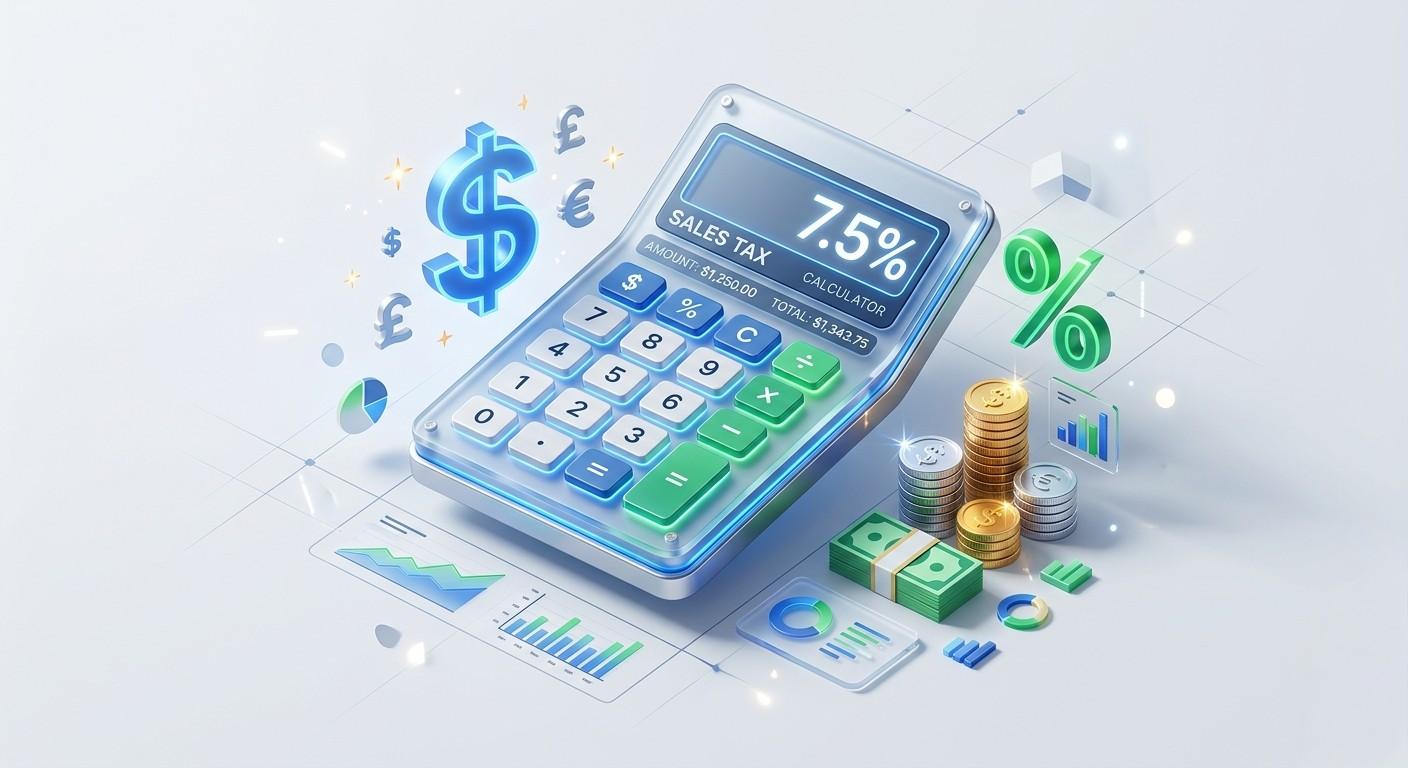
The Smart Tools Hub Sales Tax Calculator removes the guesswork. By offering a dual-mode system—**Add Tax** and **Reverse Tax**—we ensure that whether you are looking forward or backward, your numbers are always 100% correct.
Key Features of the Smart Tools Hub Calculator
Our tool is designed for the modern user who values speed and privacy. Here is what makes it high-quality and AdSense-friendly:
* **Real-Time Processing:** There is no “Submit” button wait time. The results update as you type, providing a smooth user experience (UX).
* **Two-Way Calculation:** Most calculators only add tax. Ours allows you to “Remove Tax,” which is essential for freelancers and small businesses managing their gross revenue.
* **Mobile-First Design:** Optimized for 2026 mobile standards, the tool works perfectly on iPhones, Androids, and tablets.
* **No Hidden Cookies:** We don’t track your financial entries. All calculations happen locally in your browser for maximum security.
* **Blue & Green Professional UI:** Designed to reduce eye strain and provide a clean, professional aesthetic for financial tasks.
Step-by-Step: How to Use the Sales Tax Calculator
Mastering your tax calculation takes less than 10 seconds. Follow these simple steps:
1. **Enter the Amount:** * If you are a buyer, enter the **Product Price**.
* If you are a seller doing bookkeeping, enter the **Total Transaction Amount**.
2. **Select the Tax Rate:** Enter the percentage (e.g., 7.5 or 12). If you aren’t sure of your rate, a quick search for “[Your City] Sales Tax 2026” will give you the number.
3. **Choose Your Action:**
* **Calculate Total:** Use this to see how much tax will be *added* to your base price.
* **Reverse Tax:** Use this to see how much of your total was tax (the original price).
4. **View the Breakdown:** The tool wiReverse ll display the “Tax Amount” and the “Final/Original Price” in a highlighted result box.
Sales Tax vs. VAT vs. GST: What’s the Difference?
While our tool works for all three, it’s important to understand the terminology used in 2026:
| Tax Type | Location | How it Works |
|—|—|—|
| **Sales Tax** | USA | Charged only at the final point of sale to the consumer. |
| **VAT** | UK, EU, UAE | Value Added Tax is collected at every stage of production. |
| **GST** | India, Canada, Australia | Goods and Services Tax is a unified tax that replaced multiple local levies. |
Regardless of the name, the mathematical formula remains the same:
Our tool handles this complex math so you don’t have to.
### 2026 Trends: The Rise of Digital Sales Tax
In 2026, governments are increasingly focusing on **Digital Services Taxes (DST)**. This means if you buy a subscription, an eBook, or software, you are likely paying sales tax even if there is no “physical” product. For affiliate marketers on platforms like ClickBank or Amazon Associates, understanding these rates is vital for calculating true profit margins. Smart Tools Hub stays updated with these trends to ensure our tools remain relevant for the digital age.
Explained
Imagine you want to buy a chocolate bar that costs $1.00. But the shopkeeper asks for $1.08. That extra 8 cents is the “Sales Tax”—money that helps the government build schools and parks. Our tool is like a “Magic Spyglass” that lets you see exactly how many extra cents you’ll need before you even get to the shop!
Frequently Asked Questions (FAQ)
**1. Is it illegal to charge sales tax without a permit?**
Yes. In most US states, you must register for a Sales Tax Permit before you can legally collect tax from customers. Collecting tax without a permit can lead to heavy fines.
**2. How do I calculate a 7% tax on $50?**
Simply enter 50 in the “Amount” box and 7 in the “Tax Rate” box. Click “Calculate Total.” The tax is $3.50, and the total is $53.50.
**3. Does this tool store my financial data?**
No. At Smart Tools Hub, we prioritize user privacy. All data is processed in your temporary browser session and is cleared as soon as you close the tab.
**4. What if my city has multiple tax rates?**
You should add them together. For example, if the State tax is 6% and the City tax is 2%, enter **8%** into the calculator.
**5. Why do some states have 0% sales tax?**
States like Oregon, Montana, and Delaware do not have a general sales tax to encourage consumer spending, though they may have other types of taxes.
**6. Can I use this for my 2026 Tax Returns?**
Yes, this tool is excellent for verifying receipts and ensuring your records match your bank statements before you file your annual returns.
**7. Is “Reverse Tax” the same as a discount?**
No. A discount reduces the base price. Reverse tax calculates the original price of an item after the tax has already been included in the total.
**8. Is this tool mobile-friendly?**
Absolutely. We designed it to be responsive so you can use it while shopping at the mall or working at your desk.
Conclusion: Stay Ahead with Smart Tools Hub
Tax doesn’t have to be a headache. By using the **Sales Tax Calculator** on Smart Tools Hub, you are choosing accuracy, speed, and professionalism. Whether you are navigating the complex nexus rules of 2026 or simply trying to save money on your next online purchase, we are here to help. Bookmark this page and make it your go-to resource for all your financial calculation needs.